In development
macOS system-wide companion
Native companions are in development. Planned Mac features include selected-text capture, private OCR and a floating player.
Read, speak and write with one calm, accessible workspace.
Ready now
Every card opens the feature directly.
Record spoken ideas with clear microphone controls and turn them into editable, accessible text.
Start dictatingConvert supported audio and video recordings into timestamped text with optional speaker labels.
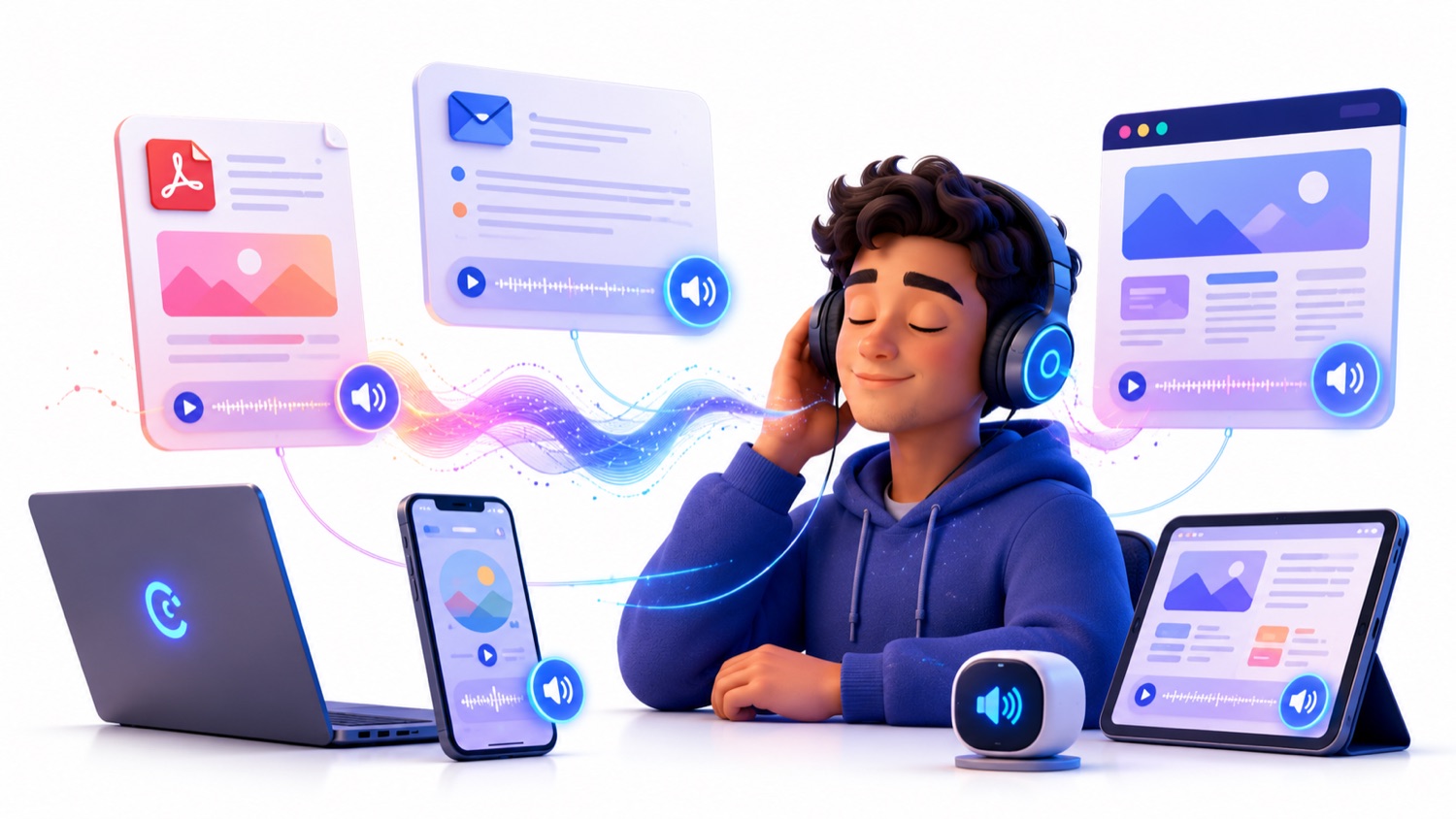
Transcribe a recordingImport PDF, DOCX or TXT files. Clariva extracts in batches and prepares speech in natural sections.
Import a documentImport a public webpage by URL while removing menus, adverts and repeated page furniture.
Import a webpageTurn visible text in an image or photograph into a prepared reading on your device.
Read an imageSwitch to summary, key points, Easy English, study or work modes and ask questions about your reading.
Try reading modesSave progress, organise readings, attach notes and share safely with another Clariva account. Device sync is included with Pro. Free and Plus keep their library on this device.
Open your libraryDraft in an accessible editor and choose when to improve clarity, shorten, expand, outline or change tone.
Open Writing supportTranslate text faithfully into major world languages, then copy, download or listen to the result.
Translate textComing next
Signed native companions will bring Clariva safely across more apps and devices.
Clariva requests access only when a feature needs it and never controls the source application without you.
Native companions are in development. Planned Mac features include selected-text capture, private OCR and a floating player.
Apple notarisation, a Windows companion and safe automatic updates before public desktop release.
Platform-appropriate share, accessibility and OCR routes with background audio controls.
Document extraction reports progress instead of appearing frozen.